
Exploripo Guide
How to Test Email Deliverability Before Sending a Campaign
Run a practical email deliverability test before sending: verify authentication, inspect controlled inboxes, check every link, and interpret delivery reports safely.
An email deliverability testing tool can expose authentication failures, broken links and suspicious placement before a campaign reaches your real audience. It cannot promise that every subscriber will see the message in the primary inbox.
That distinction is the heart of a useful pre-send test. A platform can accept a message and record it as delivered while a controlled recipient finds it in spam. One message reaching a primary inbox is encouraging, but it is still one mailbox—not evidence of production-scale deliverability.
This workflow is for creators and small teams that want a repeatable release check. It combines current sender requirements, a small controlled inbox set and evidence from Exploripo’s email-platform testing.
Evidence boundary: Exploripo tested single-recipient workflows in MailerLite, AWeber, Beehiiv and Kit in August 2026. We did not run a multi-provider, production-volume deliverability study. Product observations below describe only those dated tests; the checklist is our editorial QA method.
Define the Test Before You Send
Start by deciding what this test can prove. A useful pre-send check has four layers:
| Layer | Question | Pass signal | What it does not prove |
|---|---|---|---|
| Authentication | Is the final sending domain authenticated for this route? | Required checks pass and the visible sender is the intended one | Good reputation or inbox placement |
| Message QA | Does the final email render and behave correctly? | Subject, layout, personalization, links and unsubscribe path work | Mailbox-provider acceptance |
| Controlled placement | Where did the message appear in test inboxes? | It arrives in the expected folders without an unexplained failure | Placement for every subscriber |
| Post-send monitoring | What happened after release? | Bounces, complaints and unsubscribes remain understood and actionable | The cause of every change in performance |
Choose controlled addresses at the mailbox providers that matter most to your audience. Do not use customer addresses as test accounts. If possible, avoid sending only from and to the same company domain: both AWeber’s test-message guidance and Kit’s spam troubleshooting warn that this artificial path can be filtered differently.
Record the platform, sender address, sending domain, recipient providers and time of the test. That short record becomes the baseline for the retest.
Verify Authentication Before Editing Copy
Check the actual sending domain and campaign route—not just whether DNS records exist somewhere. A marketing platform may use a different return path or signing setup from ordinary person-to-person email.
Current Gmail sender guidelines require SPF or DKIM authentication for all senders to personal Gmail accounts. For senders above 5,000 messages a day, Google requires SPF, DKIM and DMARC, alignment for direct mail, and one-click unsubscribe for marketing and subscribed messages. Yahoo’s sender requirements similarly require SPF or DKIM for all senders and add both protocols, DMARC and easy unsubscribe for bulk senders.
Those are minimum requirements, not inbox guarantees. Treat an authentication failure as a stop condition because rewriting the subject line cannot repair a broken sending identity.
Before continuing, verify:
- the From name and address are the final production values;
- SPF/DKIM results apply to the service that will send this campaign;
- DMARC alignment uses the intended visible From domain;
- the reply-to address is monitored and correct;
- the unsubscribe path is visible and functional;
- any new domain, subdomain or sending service is fully verified.
If you do not manage DNS, capture the exact failed check and hand it to the person who does. Do not publish a guessed record change from a generic tutorial.
Test the Final Campaign Path
An editor preview is useful for layout, but it does not exercise the receiving mailbox. Send a test through the same platform and as much of the final path as the product allows.
Use the final sender, subject, preheader, HTML, plain-text version, tracking settings and destination URLs. Test personalization with a controlled contact that has representative fields. Open the email on desktop and mobile, then check every inherited template link as well as the main call to action.
This is not busywork. During Exploripo’s MailerLite review, the sent template retained an unused inherited target that appeared in link reporting as https://. Our AWeber test confirmed that the test-message CTA opened the intended published page. The lesson is broader than either product: a campaign is not ready merely because its main button looks correct in the editor.
For each controlled inbox, record:
- whether the message arrived;
- the folder or tab where it appeared;
- whether the sender, subject and preheader are correct;
- whether images, text and personalization render as expected;
- whether every critical link and unsubscribe action works.
Read “Delivered” and Placement as Different Signals
Delivery reporting usually tells you that a receiving server did not return a hard failure; it does not tell you which folder the recipient saw. MailerLite’s current reporting documentation defines Deliveries as total sends excluding hard bounces.
Exploripo’s dated tests show why the distinction matters:
| Observed test | Platform signal | Manual observation | Safe conclusion |
|---|---|---|---|
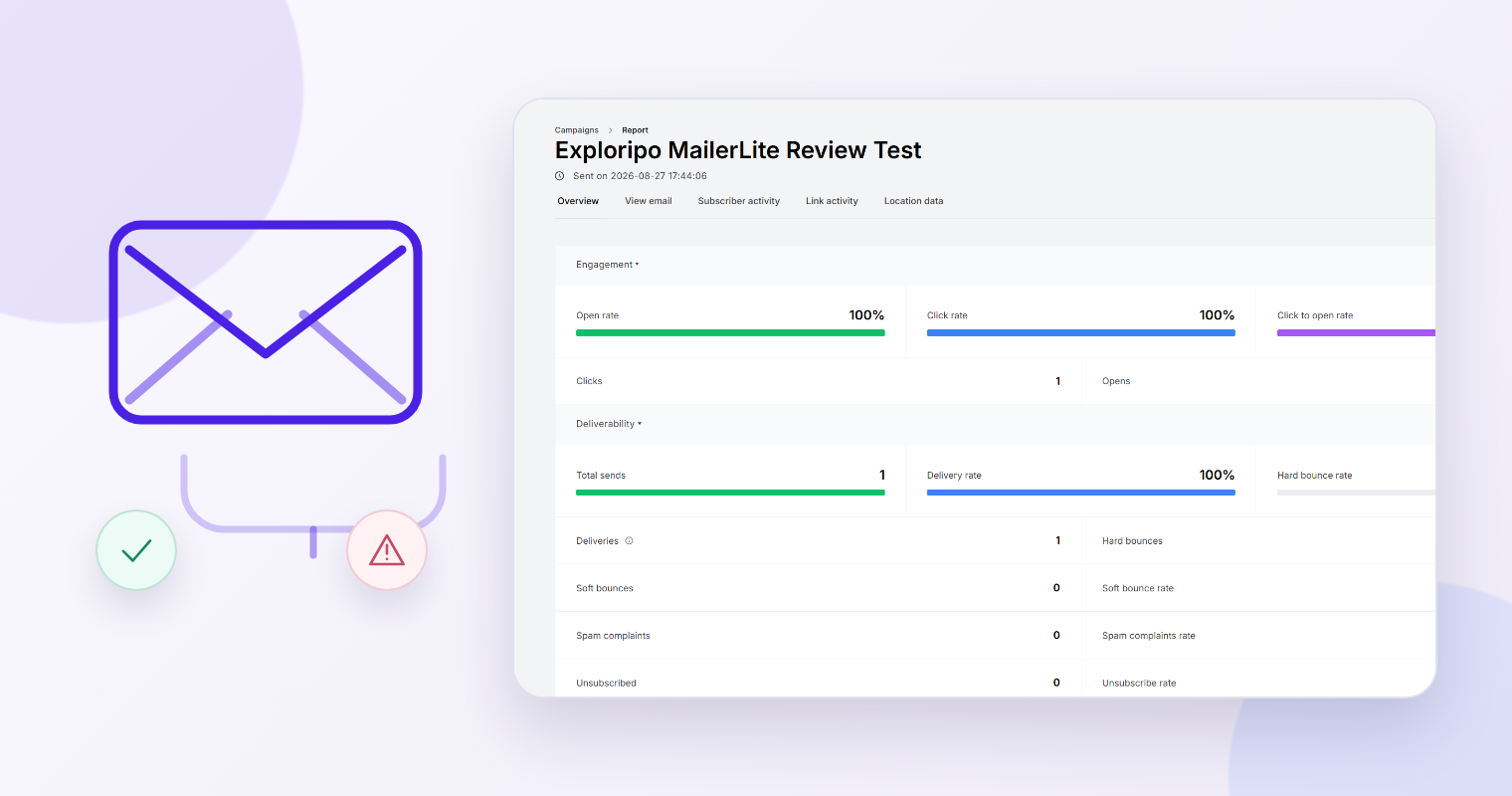
| MailerLite, Aug. 27 | 1 send, 1 delivery, 100% delivery | Message appeared after a delay in spam | Delivery reporting did not establish primary-inbox placement |
| AWeber, Aug. 28 | One test message and one live broadcast completed | Test CTA worked; final send showed a DKIM/DMARC warning beforehand | The path worked for one recipient; authentication warning still required attention |
| Beehiiv, Aug. 31 | 1 sent, 1 delivered | Test and live messages reached one controlled primary inbox | The tested route worked, not a provider-wide deliverability benchmark |
| Kit, Aug. 26 | Double-opt-in path completed | Confirmation arrived and produced a confirmed subscriber | The opt-in workflow worked; campaign deliverability was not tested |
The full Beehiiv review and Kit review explain the broader products. This Guide does not rank them by deliverability because our evidence does not support that claim.
Commercial inbox-placement tools can add seed addresses and provider-level reports. Read them as directional evidence. Kit’s current inbox-placement test guidance notes that seed addresses have no real recipient engagement and that their results do not always correlate with real deliverability.
Fix One Variable, Then Retest
When a test fails, preserve the failed result and change one meaningful variable at a time. Start with hard blockers:
- authentication or domain-verification failure;
- missing message, rejection or bounce;
- broken unsubscribe or critical link;
- broken personalization or unreadable rendering;
- inconsistent spam placement that needs investigation.
Then resend the same controlled test and compare it with the baseline. If you change DNS, sender address, template, link tracking and copy together, a better result will not tell you what fixed the problem.
Do not “optimize” solely to raise a proprietary score. Ask which underlying check changed and whether the change improves the real campaign. A warning about a failed signature is actionable; a vague score without evidence is not.
Decide Whether the Campaign Is Ready
Use a short stop/go checklist before releasing the real send.
Ready for a bounded send
- Authentication passes for the final sending route.
- Sender, subject, preheader and reply-to values are correct.
- The final HTML and plain-text versions are readable.
- Personalization uses representative controlled data.
- Every critical link and the unsubscribe path works.
- Controlled inbox results are recorded and any differences are understood.
- The team knows who will monitor bounces, complaints and unsubscribes.
Stop and investigate
- SPF, DKIM or DMARC fails unexpectedly.
- A controlled message is missing with no explained delay or rejection.
- The unsubscribe action or a critical destination is broken.
- The test reveals exposed placeholder content or incorrect personalization.
- Several controlled inboxes show a new placement problem after a domain, template or sending-platform change.
After sending, compare the real campaign with the test. Google recommends that senders keep user-reported spam below 0.1% and prevent it from reaching 0.3% or higher; Yahoo requires rates below 0.3%. These thresholds are monitoring boundaries, not targets to approach.
The practical goal is not a perfect test score. It is an evidence trail: verify the sender, exercise the final message, inspect controlled inboxes, fix one cause at a time and keep claims no broader than the test you actually ran.