
Exploripo Guide
How to Test AI Avatar Lip Sync Before Publishing
A repeatable pre-publication workflow for testing AI avatar lip sync, pronunciation, facial stability, and the final delivery file without overstating one short sample.
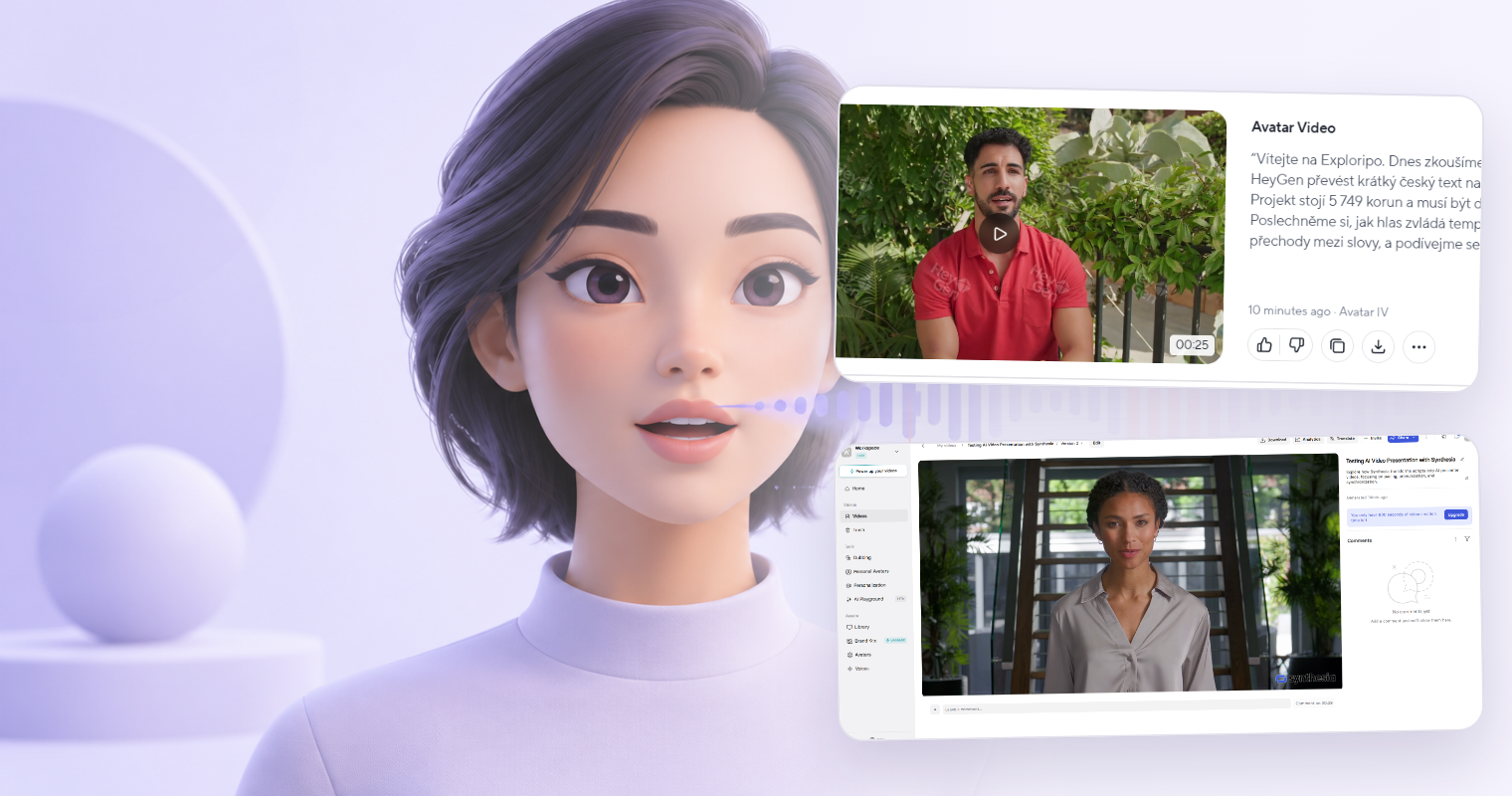
A convincing AI presenter can still fail on one visible word. The voice may say a product name correctly while the mouth movement arrives late, or the animation may look smooth while the spoken price is wrong. A useful AI avatar lip sync test therefore checks the complete message, not just whether the face appears realistic.
This Guide gives you a repeatable pre-publication workflow. It does not rank avatar platforms or claim that one short clip represents every avatar, voice, language, or future model version. If you are still choosing a platform, read our full HeyGen review and Synthesia review for the broader product, pricing, and plan context.
1. Write the release question first
Define what the clip must accomplish before you generate it. A useful release question includes the audience, language, placement, and risk level:
Can this workflow produce a 30-second English product update that remains credible on our mobile landing page?
That is a narrower and more testable question than “Does this tool have good lip sync?” A clip for an internal update may tolerate a small visual imperfection. A paid advertisement, customer onboarding video, or safety-related instruction may require a stricter threshold.
Record the test date and lock the starting configuration:
- platform and plan;
- avatar and voice;
- language;
- exact script;
- input method, including uploaded audio if used;
- animation or rendering mode;
- resolution and aspect ratio;
- intended publication channel.
Change one variable at a time when you revise. If you switch the script, avatar, voice, and render mode together, you will not know which change affected the result.
2. Build a short script around real publication risks
Start with one short scene that you can review repeatedly. Exploripo uses roughly 20–40 seconds as a practical first-pass range, not as a universal optimum. Your real use case should determine the final length.
Include the content most likely to cause a costly correction:
- the product or company name;
- a price, date, version number, or abbreviation;
- a sentence at the fastest pace you expect to publish;
- a natural pause and a sentence transition;
- words containing clearly visible consonants;
- any specialist or target-language wording your audience will hear.
The International Phonetic Association chart identifies p, b, and m as bilabial sounds and f and v as labiodental sounds. In plain language, these involve visible lip or lip-to-teeth contact, so words containing them can make useful checkpoints. They are not a complete scientific lip-sync benchmark.
Here is an Exploripo starter script. “BrightPath Pro” is fictional, so replace it with your real terminology:
Meet BrightPath Pro. The plan costs $249.99 and launches on September 3, 2026. Please compare the mobile preview before publishing the final campaign.
For another language, write or review a language-specific script instead of translating the English stress test word for word. Ask a qualified speaker to check meaning, pronunciation, emphasis, numbers, and dates. If that review is unavailable, record the limitation and do not present the sample as proof of language quality.
3. Know what the preview can and cannot prove
Do not assume that an editor preview shows the finished avatar performance. Product workflows differ, and their documentation can change.
As checked on October 3, 2026, HeyGen’s official voice documentation says Audio Preview can be used to review narration, pronunciation, pacing, and timing, but it does not generate lip sync, facial expressions, or avatar animation. A rendered scene is required to see the avatar move and speak.
Synthesia’s official preview documentation says its normal preview can check the script, visuals, and timing without using credits, but the avatar is not animated there; avatar animation appears in the generated video.
The safe rule is simple: use previews to catch what they actually expose, then make the release decision from the final render or final delivery file. Keep the vendor documentation date in your test notes because preview and credit behavior can change.
4. Review the final render in four passes
Watch at normal speed in the intended viewing context before using slow motion or close inspection. Review the phone version on a representative phone layout and a training video at a typical desktop size. If captions, music, cuts, or branded frames will be present at publication, test the representative edited version too.
Pass 1: spoken content
Listen without concentrating on the face. Confirm that every name, number, date, abbreviation, disclaimer, and call to action matches the approved script. A spoken factual error is a release blocker even when the animation looks convincing.
Pass 2: audio-visual timing
Watch the mouth at the start and end of phrases and at your marked p, b, m, f, and v words. Note any point where the visible closure or movement clearly leads or trails the sound at normal speed. Use slow playback only to locate and describe a suspected issue, not to invent a defect that viewers would not notice normally.
Pass 3: facial stability and framing
Check the lips, teeth, cheeks, eyes, head position, and crop through pauses and faster phrases. Look for warping, abrupt expression changes, frozen motion, or a framing choice that distracts from the message. Record the exact timestamp and what a normal viewer would see.
Pass 4: captions and delivery
Compare every caption with the final audio, including names and numbers. Check that text is readable, synchronized, and not covering important visual information. For web publication, the W3C guidance for prerecorded synchronized media explains when captions are required and why they must include relevant speech and non-speech audio information.
Finally, test the actual delivery file or published preview. Confirm resolution, aspect ratio, audio level, caption behavior, thumbnail/crop, and any platform overlays. An editor canvas is not the final audience experience.
5. Use an issue log, not a vague realism score
A single 1–5 score can hide a serious mistake. Use timestamped findings with an action and retest result instead:
| Time | Finding | Severity | Action | Retest |
|---|---|---|---|---|
| 0:06 | Product name is pronounced incorrectly | Blocker | Adjust pronunciation or voice | Pending |
| 0:14 | Lip closure visibly trails “publish” | Major | Regenerate one controlled variant | Pending |
| 0:23 | Caption shows the wrong price | Blocker | Correct caption and verify audio | Pending |
Define severity before you review:
- Blocker: wrong fact, misleading statement, unusable pronunciation, serious accessibility failure, or distracting sync/visual defect in a critical line.
- Major: noticeable issue that weakens credibility or requires regeneration/editing before release.
- Minor: visible only under close inspection and not material to meaning, accessibility, or the intended audience experience.
This makes a retest auditable. “The clip feels off” is difficult to act on; “at 0:14 the visible closure trails the word ‘publish’ at normal speed” gives the editor a reproducible problem.
What Exploripo observed in two bounded tests
The following are historical hands-on observations, not claims about current performance across all projects.
On August 23, 2026, Exploripo generated one short English and one short Czech presenter video in both HeyGen and Synthesia Free accounts. In the HeyGen test, the English voice, facial animation, and lip synchronization were judged good, although the crop looked awkward. The Czech sample’s voice and lip synchronization were usable, but the spoken amount and year were incorrect.
In the Synthesia test, the completed English video had a natural voice, convincing facial movement, good lip synchronization, and correct price and date. A Czech editor preview misread the amount, while the completed second render spoke both the amount and date correctly and was judged very good overall.
Those four short videos were reviewed by one Exploripo tester. We did not run a blind panel, repeated benchmark, long-form consistency test, paid export test, or current-model retest. The evidence supports the workflow lesson—check both spoken content and the final avatar render—but it does not prove that either platform will reproduce the same result for your avatar, voice, language, or account today.
6. Decide: pass, revise, or stop
Pass when the final delivery file has no unresolved blocker, the spoken message is accurate, visible timing is acceptable at normal speed, captions and framing work in the intended channel, and the retained evidence supports that conclusion.
Revise when one controlled change has a reasonable chance of fixing a documented problem. Change only the relevant factor, create a new version, and update the issue log rather than overwriting the failed sample.
Stop when a blocker persists after reasonable documented attempts, qualified language review is unavailable for a high-risk use case, or the manual repair and regeneration burden defeats the project’s time or scale requirement.
Keep the approved script, configuration, final file, failed versions that explain the decision, issue log, reviewer names or roles, and approval date together. That record does not make one sample universal. It gives your team a defensible reason to publish this version—or to keep it away from the audience.