
Exploripo Guide
How to Run an SEO Competitor Keyword Gap Analysis
A practical workflow for finding real search competitors, filtering misleading keyword gaps and turning the strongest opportunities into an evidence-based content shortlist.
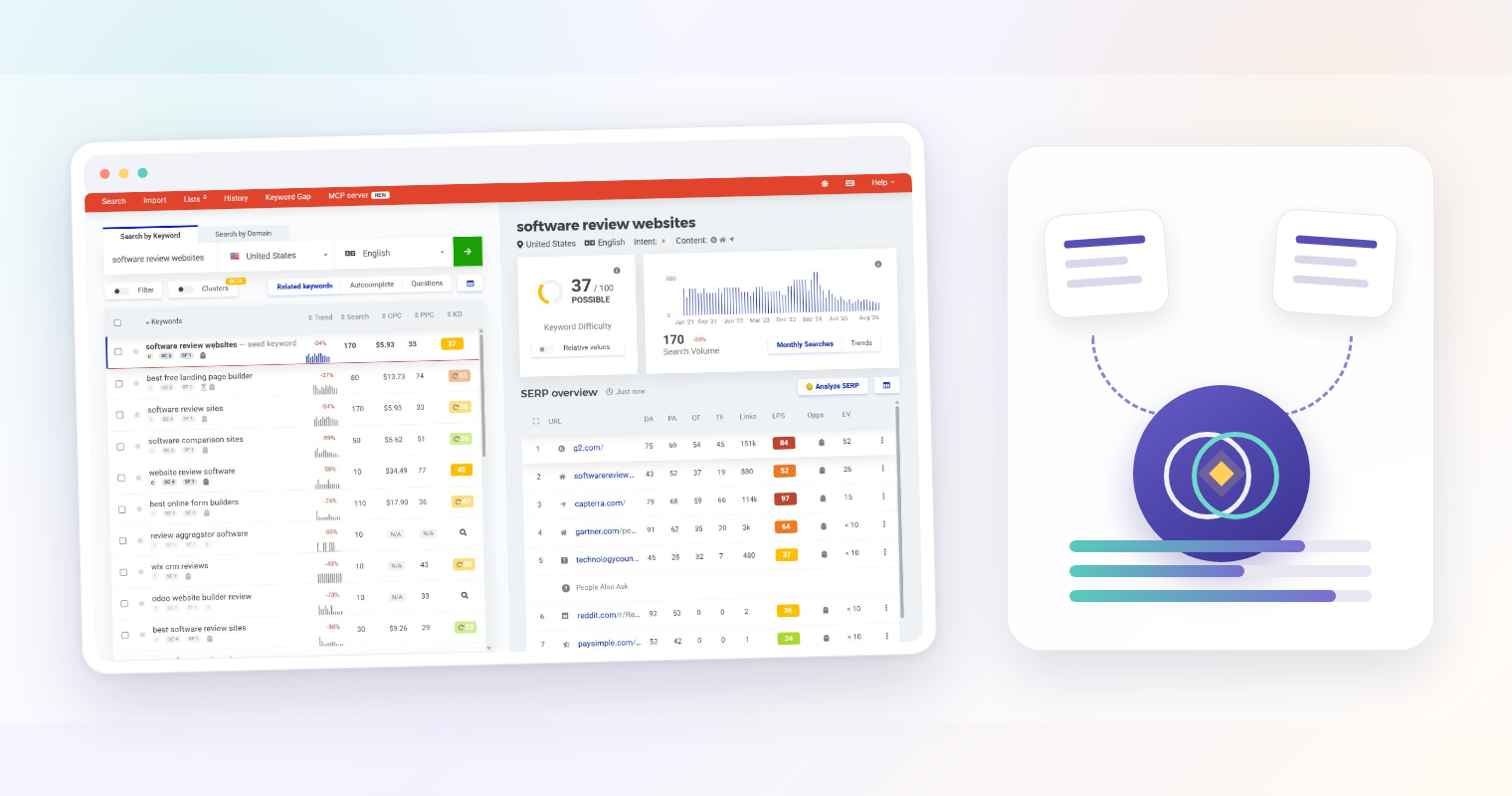
An SEO competitor keyword gap analysis finds searches that relevant competitors rank for but your site does not. The useful output is not a giant export. It is a short, defensible list of topics that match your audience, your business and your realistic ability to compete.
That distinction matters. A keyword tool can reveal thousands of differences between domains, but many are brand queries, support questions, job searches, obsolete pages or subjects your business should never cover. The work begins after the export: identify genuine search competitors, remove noise, inspect the live results and record why each remaining opportunity deserves attention.
This Guide uses Mangools KWFinder as the main interface because its current Keyword Gap workflow compares a site with competitor domains and exposes keyword and SERP data in one research path. The decision method also works with other keyword platforms. Every volume, difficulty and traffic figure remains an estimate, and no score should decide your editorial plan by itself.
The quick answer
Run the analysis in seven passes:
- Define the audience and market you are trying to reach.
- Select search competitors from overlapping results, not reputation alone.
- Compare your site with a small, relevant competitor set in one location.
- Exclude branded, irrelevant, outdated and misleading gaps.
- Inspect the result page to confirm intent and content format.
- Score the survivors for relevance, evidence, difficulty and business value.
- Save a focused opportunity shortlist with a reason, source and next action.
The final sheet should be small enough for an editor to review. If you cannot explain why a topic belongs on your site and what distinctive evidence you can add, it is not yet an opportunity.
What a keyword gap is—and what it is not
A keyword gap is a difference between the queries associated with two or more sites. In a typical tool, a competitor has a recorded organic position and your site has none, or your position is materially weaker.
That is a discovery signal, not proof that you should create a page. The tool may be comparing different sections, countries, dates or business models. A large publisher can rank for definitions, news and tangential subjects that make little sense for a focused software-review site. A product company can rank for support and navigational queries that an independent publisher cannot satisfy.
Treat the raw gap as a queue for investigation. A valid opportunity needs four more things: matching intent, audience relevance, credible evidence and a realistic route to a useful page.
Step 1: define the decision before opening the tool
Write a one-sentence research brief. It should state the audience, market, content type and decision you need to make.
Example: Find English-language US searches used by small teams evaluating software workflows, then shortlist practical Guide topics that Exploripo can support with first-hand testing or authoritative documentation.
Set these controls before collecting keywords:
- target country and language;
- audience and buying context;
- the product category or problem space;
- acceptable content types, such as practical Guides or software reviews;
- topics already owned by existing pages;
- evidence that would be required to publish responsibly.
This prevents the research from drifting toward the largest numbers. It also gives you an exclusion rule: a query outside the brief can be removed even when a competitor gets substantial traffic from it.
Step 2: identify genuine search competitors
Business competitors and search competitors often overlap, but they are not the same. A business competitor sells a similar product. A search competitor repeatedly appears for the queries your audience uses, even if its revenue model or product catalog is different.
Build the first candidate set
Start with three sources:
- domains that repeatedly appear in manual searches for five to ten representative queries;
- competitor suggestions from the research tool;
- sites visible beside yours in Search Console queries or in current SERPs.
For each candidate, sample several ranking pages. Record whether it serves the same audience, covers the same problem and publishes the type of page you could credibly create. Remove domains that overlap only because they are huge general publishers, marketplaces or user-generated platforms.
Match the input to the question
The current KWFinder documentation accepts a domain, subdomain or exact URL. Choose deliberately:
- use a domain to study the competitor’s broad editorial footprint;
- use a subdomain when its editorial content is separated from the product or support site;
- use an exact URL to investigate one successful resource or narrow topic.
Mixing a whole competitor domain with one small section of your own site can exaggerate the gap. Use comparable scopes and record the inputs so another editor can reproduce the analysis.
Step 3: run a controlled keyword-gap comparison
In KWFinder, open Keyword Gap, enter your site, add the most relevant competitor sites and select the location. Mangools’ current guide says the workflow can use up to five competitors; the public feature page also shows that multi-competitor access can depend on plan level. Check the interface available to your account before promising a specific capacity.
Keep the first run narrow:
- use one agreed country and language;
- compare three strong competitors before expanding the set;
- save the date, exact domain or URL inputs and active filters;
- export or save only if your account permits it;
- preserve the unfiltered result count separately from your approved shortlist.
Exploripo tested the related KWFinder-to-SERPChecker workflow in September 2026, but not the current Keyword Gap screen itself. In that test, a US/English seed returned 25 rows, six selected phrases were saved to a named list, and Analyze SERP preserved the keyword and US context when opening SERPChecker. Relative Keyword Difficulty was unavailable in the tested Free+ account. Those observations support the surrounding research flow, not a claim that Exploripo tested every current gap feature.
Step 4: remove false and irrelevant opportunities
Do not sort by volume and accept the first rows. Add an exclusion reason and work through the list consistently.
Remove or isolate:
- competitor brand queries: searches for a competitor login, pricing page or product name;
- support and account queries: problems only the vendor can solve inside its product;
- jobs, investors and corporate news: traffic without useful reader or commercial intent;
- wrong market queries: results dominated by another country, language or regulation;
- obsolete topics: retired features, old product names or outdated practices;
- audience mismatches: enterprise procurement topics for a small-business publication, for example;
- existing coverage: queries already satisfied by a current page;
- weak evidence topics: subjects that would require claims you cannot verify.
Look at competitor ranking URLs as well as keywords. Ten apparently different gaps may all point to one competitor page and one shared intent. Keep them grouped until you inspect the SERP; otherwise the export can make one editorial opportunity look like ten.
Step 5: verify intent in the live results
Search intent is the job the current results appear to satisfy. A keyword can sound informational while the SERP is dominated by software landing pages, comparison lists or videos.
For each serious candidate, inspect the current results and record:
- the dominant page type: guide, definition, comparison, product page, template or video;
- whether the result favors beginners or experienced practitioners;
- how specific the problem is;
- whether freshness matters;
- visible SERP features such as snippets, videos or People Also Ask;
- the authority and relevance of the pages that rank;
- whether lower-authority specialist pages appear among larger sites.
SERPChecker can make the first-page structure and link metrics easier to scan, but open representative results yourself. Titles and snippets reveal the promise; the page shows whether that promise is actually fulfilled.
If multiple keywords share the same result set and reader job, keep them as one opportunity cluster. Deciding whether they belong on one URL or separate pages is a later step covered in Exploripo’s keyword-to-page mapping Guide. Do not create multiple content briefs during gap discovery just because an export contains several variants.
Step 6: interpret volume and difficulty as estimates
Keyword metrics are useful for comparing candidates collected under the same conditions. They are not forecasts.
Check what the number describes
Before using a metric, record its location, date and scope. Mangools says its Keyword Difficulty estimates the challenge of reaching the first results page from the link strength of current ranking URLs. Its documentation also says KD data can be cached for up to 30 days. A score therefore summarizes selected signals from one observed SERP; it cannot account for every ranking factor, the quality of your planned page or future result changes.
Search volume also needs context. Seasonality, close variants, emerging terminology and low-volume sampling can change what the number means. Use Google Trends to check direction and seasonality, and use your own Search Console impressions when you already appear for related queries.
Inspect the SERP behind the score
Ask four questions before calling a keyword realistic:
- Are the ranking pages truly relevant to the query?
- Do specialist or lower-authority pages rank, or is every result held by a dominant platform?
- Can you offer stronger evidence, clearer decisions or a more useful format?
- Does your site already have topical context and internal links that support the page?
Relative difficulty can add site-specific context when your plan exposes it, but it is still another model. In Exploripo’s tested Free+ account, RKD was disabled. The absence of that score did not prevent manual SERP analysis.
Step 7: score business value and evidence feasibility
A good gap sits at the intersection of demand, relevance and credibility. Use a small rubric rather than one tool score.
| Factor | 0 points | 1 point | 2 points |
|---|---|---|---|
| Audience fit | Outside the core audience | Adjacent need | Direct, recurring need |
| Intent fit | Wrong page type | Mixed intent | Clear Guide or review intent |
| Evidence | Claims cannot be verified | Official sources only | Strong official and hands-on evidence |
| Ranking realism | Dominated by mismatched authority | Some openings | Relevant specialist pages compete |
| Business value | No useful next step | Indirect category relevance | Natural software or workflow connection |
| Existing coverage | Duplicate purpose | Significant adjacency | Distinct job and outcome |
Use the total to organize review, not to automate approval. A high score with weak evidence should stop. A lower-volume problem with a precise audience and unique test may deserve priority over a broad, ambiguous term.
For Exploripo, commercial relevance means a reader can naturally continue to an appropriate software review or category after solving the problem. It does not mean forcing a product recommendation into every section. For example, this Guide can link to the hands-on Mangools review because the product supports the workflow, while the method remains useful without buying it.
Step 8: build the actionable shortlist
Create one row per distinct reader job. Keep the raw keyword export outside the final editorial queue.
Your shortlist should include:
- primary query and useful variants;
- target market and research date;
- estimated volume and difficulty with tool provenance, when available;
- dominant intent and result format;
- strongest ranking competitors;
- the page or cluster your site already owns;
- proposed angle and evidence plan;
- internal-link opportunities;
- commercial relevance;
- main uncertainty;
- decision: pursue, hold or reject.
Here is an illustrative example without invented metrics:
| Candidate | Intent finding | Evidence plan | Decision |
|---|---|---|---|
| Test a landing page before paid traffic | Practical pre-launch checklist | Controlled form, mobile and confirmation-path test | Hold if an existing Guide already owns the job |
| Compare newsletter monetization tools | Commercial comparison | Current plan documentation plus aligned hands-on tests | Hold until products can be tested on the same criteria |
| Audit CRM pipeline stages | Practical design audit | Synthetic deals, stage definitions and official CRM documentation | Pursue only if distinct from existing CRM Guides |
The table demonstrates the decision process; it does not claim observed search demand for those examples.
Validate the shortlist outside the gap tool
Before approving a brief, cross-check each finalist with at least two independent views.
First, use the Search Console Performance report to see whether related queries already generate impressions, which pages Google shows and whether the pattern changes by country or device. Google recommends emphasizing click and impression trends rather than treating average position as an absolute measure.
Second, repeat a manual search in the target market and inspect the current result set. Confirm that the intended content type still dominates and that your proposed contribution is meaningfully different. Check trend direction when demand may be seasonal or emerging.
Finally, read the proposed evidence plan as an editor. Google’s guidance favors original, reliable, people-first work. If the page would only restate the same definitions and steps already ranking, the gap is not enough. Revise the angle or reject it.
Common keyword-gap mistakes
Choosing only famous competitors
Large brands can produce impressive exports but poor editorial direction. Prefer domains that repeatedly compete for the same reader job.
Treating every missing keyword as missing content
Your site may already satisfy the intent through a related page, or the query may not belong on your site at all. Check the existing inventory before proposing a new URL.
Trusting estimated traffic or KD without opening the SERP
Metrics compress uncertainty into a number. The actual result page shows content type, relevance, freshness and whether realistic competitors rank.
Mixing countries and dates
A US comparison from October cannot be silently combined with a UK export from another month. Preserve the research context beside every shortlist.
Moving into rank tracking too early
Gap analysis selects opportunities. Rank tracking measures approved targets over time. Once content exists, use Exploripo’s Guide to validating Mangools SERPWatcher results rather than presenting an initial tracker score as proof of success.
A reusable final decision gate
Approve a content opportunity only when all six statements are true:
- The query serves a defined Exploripo audience and market.
- Current results show a clear intent the proposed page can satisfy.
- Existing Exploripo content does not already own the same job.
- The evidence plan supports the important claims.
- SERP inspection reveals a plausible way to compete.
- The page has a useful reader outcome beyond attracting traffic.
If one statement is uncertain, hold the candidate and name the missing evidence. If one clearly fails, reject it. This produces a smaller plan, but every approved idea has a reason to exist.
Frequently asked questions
What is an SEO competitor keyword gap analysis?
It is a comparison that finds queries for which relevant competitors rank and your site does not, or ranks materially worse. The raw difference becomes useful only after filtering for audience, intent, evidence and realistic competition.
How many competitors should I analyze?
Start with three strong search competitors. Add more only when they share the same market and reader intent. The current KWFinder documentation describes support for up to five competitors, while access and lookup consumption can vary by plan.
Should I choose the keyword with the highest search volume?
No. Volume is an estimate and says nothing by itself about intent, evidence, business relevance or your ability to compete. Use it as one comparable input after removing irrelevant gaps.
Is a low keyword-difficulty score enough to approve a topic?
No. Difficulty models selected SERP and link signals. Inspect the current results, page types and relevance, then assess whether your site can offer distinctive value.
What should the final deliverable look like?
A reviewed table of distinct content opportunities with query variants, intent, metric provenance, competitors, evidence plan, internal links, uncertainty and a pursue/hold/reject decision. It should not be an unfiltered tool export.
Turn competitor data into editorial decisions
The strongest SEO competitor keyword gap analysis is disciplined subtraction. It starts with real search competitors, removes queries that do not belong, checks the result page behind every metric and asks what evidence your site can add.
When the process works, the output is not a promise of traffic. It is a transparent content shortlist: what readers need, why the opportunity is relevant, what it will take to compete and which uncertainties still need to be resolved.